Why KinCasts
If your podcast app wears you out
This one was built the other way round. It does less, on purpose, so that listening to your show is the first thing that happens.
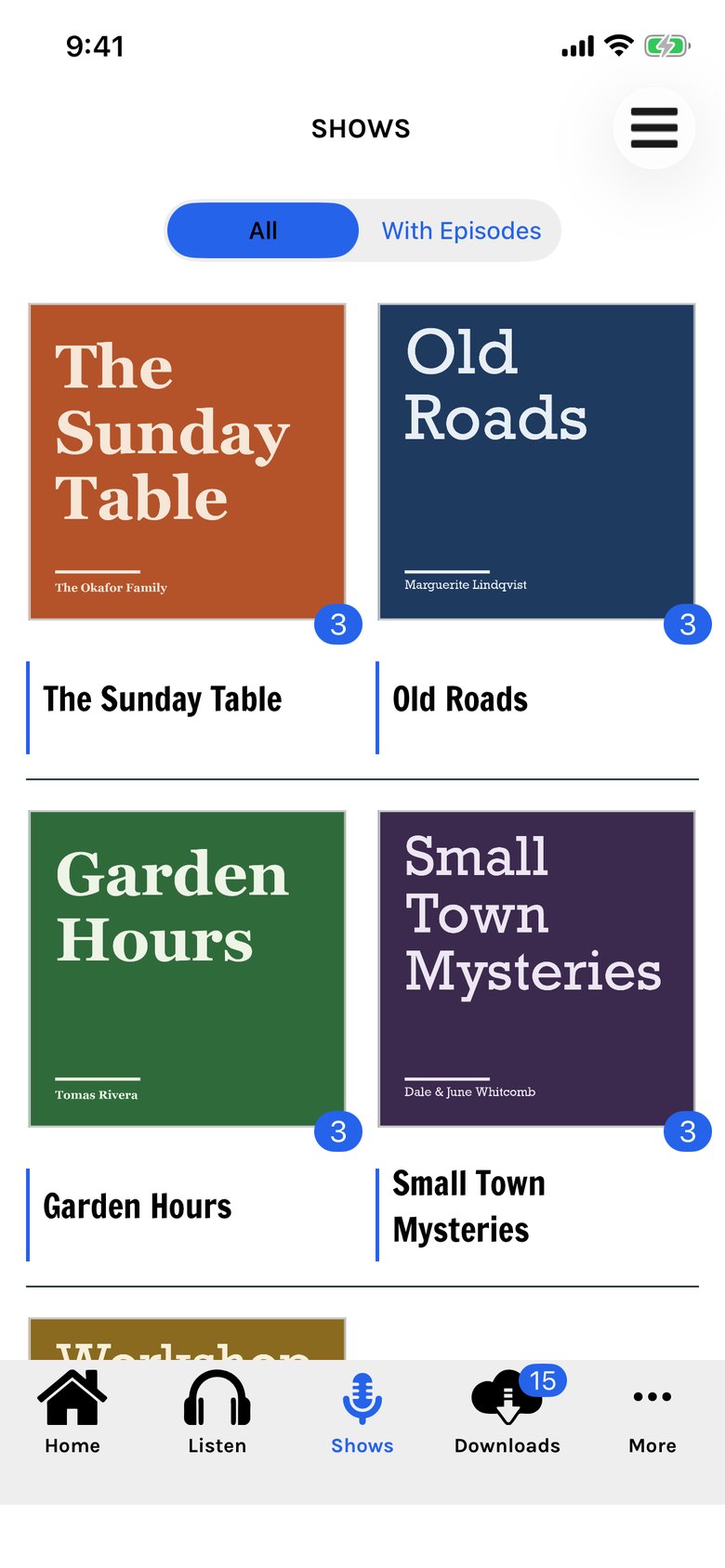
Just the good stuff.
A recommendation is only as good as whoever is making it.
Your Recommended list is personal: every show on it was put there by someone in your group who has heard it. Known good, from people you know.
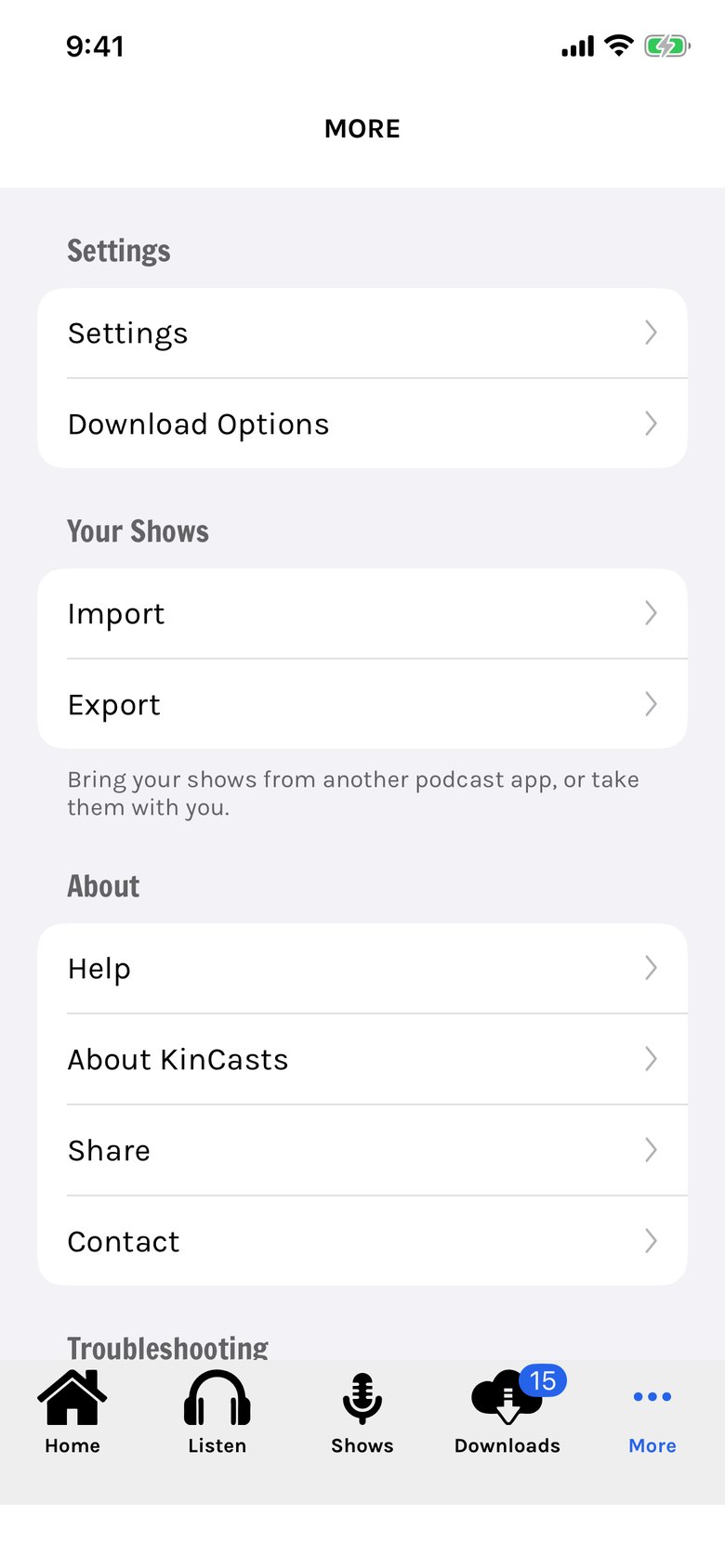
Simple on purpose.
Other apps give you a library to manage: follows, saves, downloads, queues and shelves.
Add a show from the list your group trusts, and listen. That is the whole app. Five tabs, each named for what it holds.
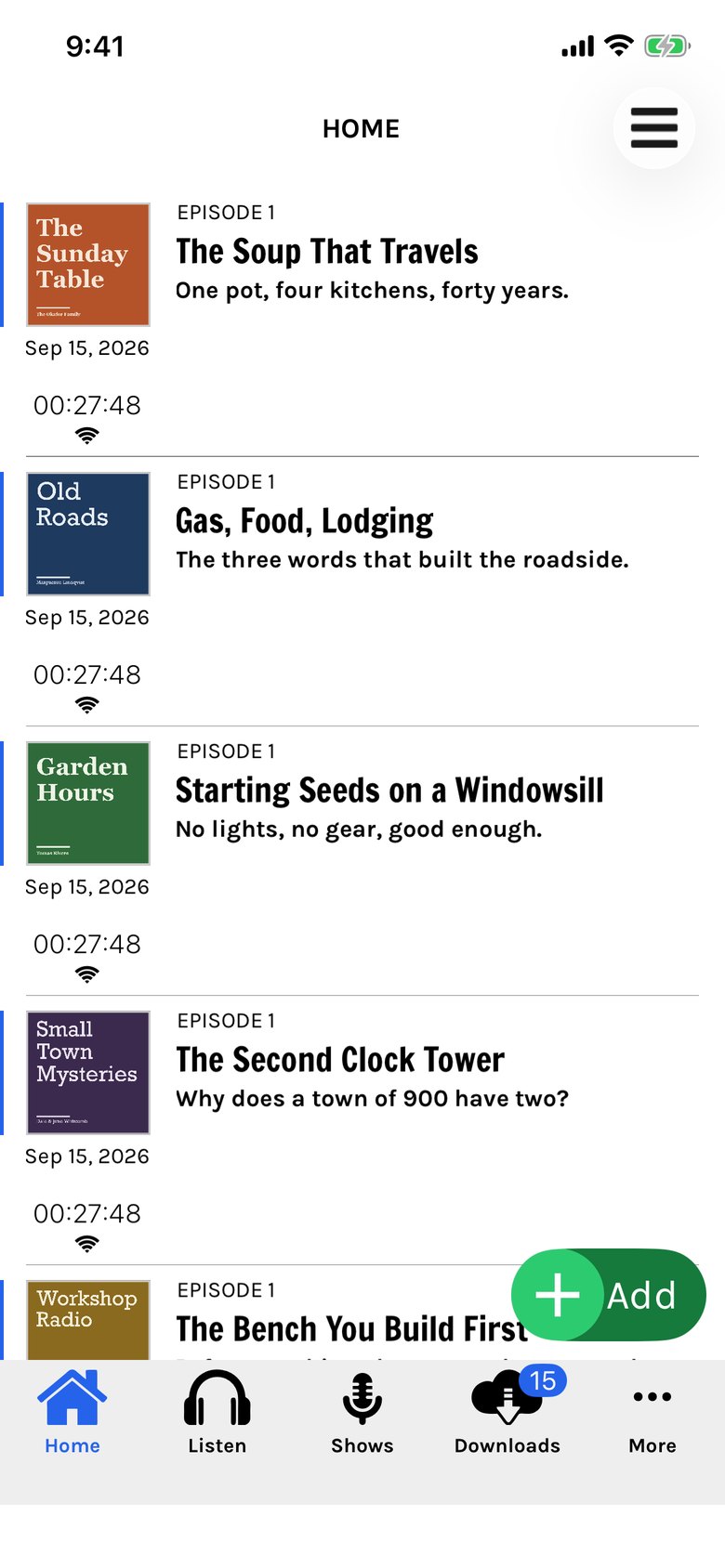
Your shows come first.
Other apps open on a storefront: promoted shows, things to try, things to buy.
KinCasts opens on your own episodes, ready to play. Nothing is promoted, because nothing is for sale.
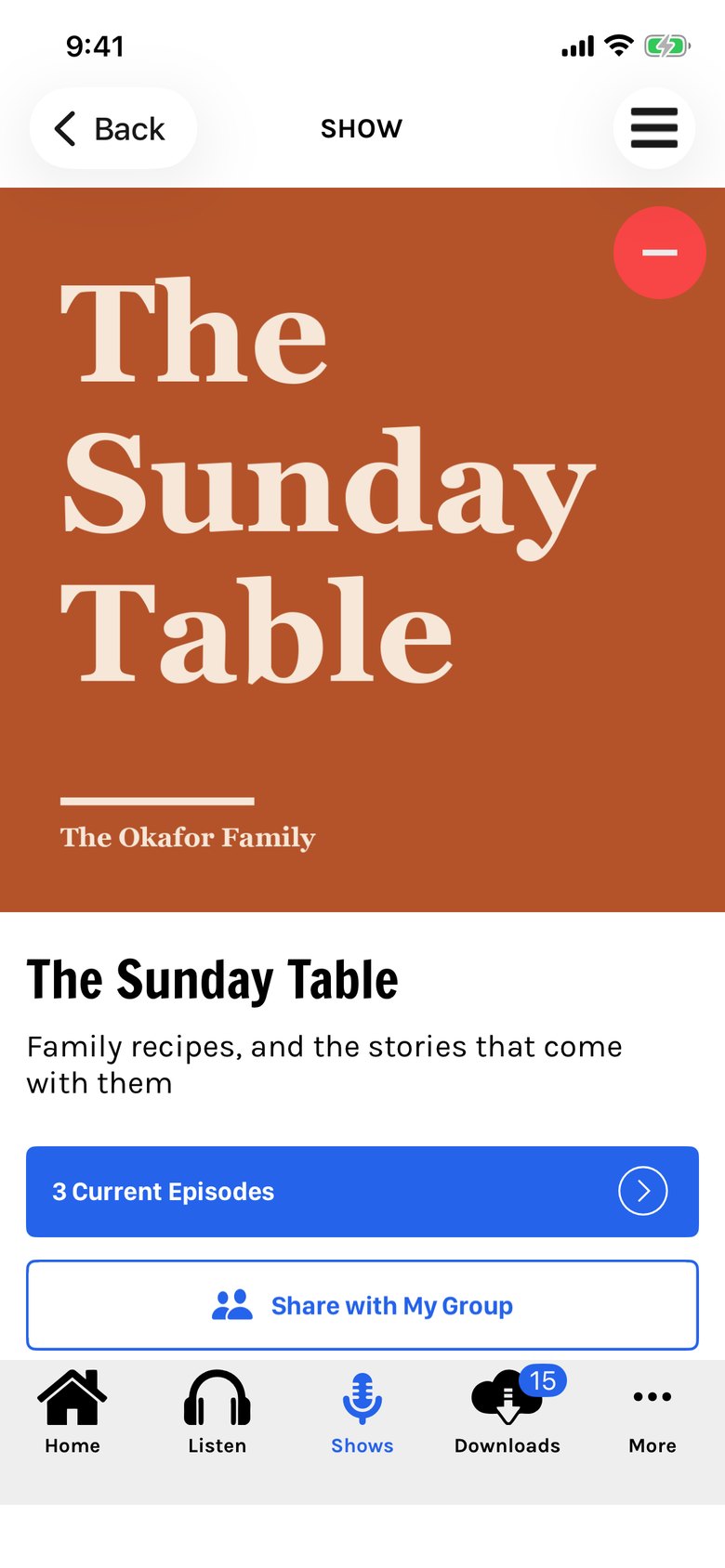
One tap to add. One to remove.
Follow, save, download and subscribe: four words for what should be one thing.
Tap + on a show and it is yours. Tap − and it is gone. Found one worth passing on? Share it with your group from the same page.
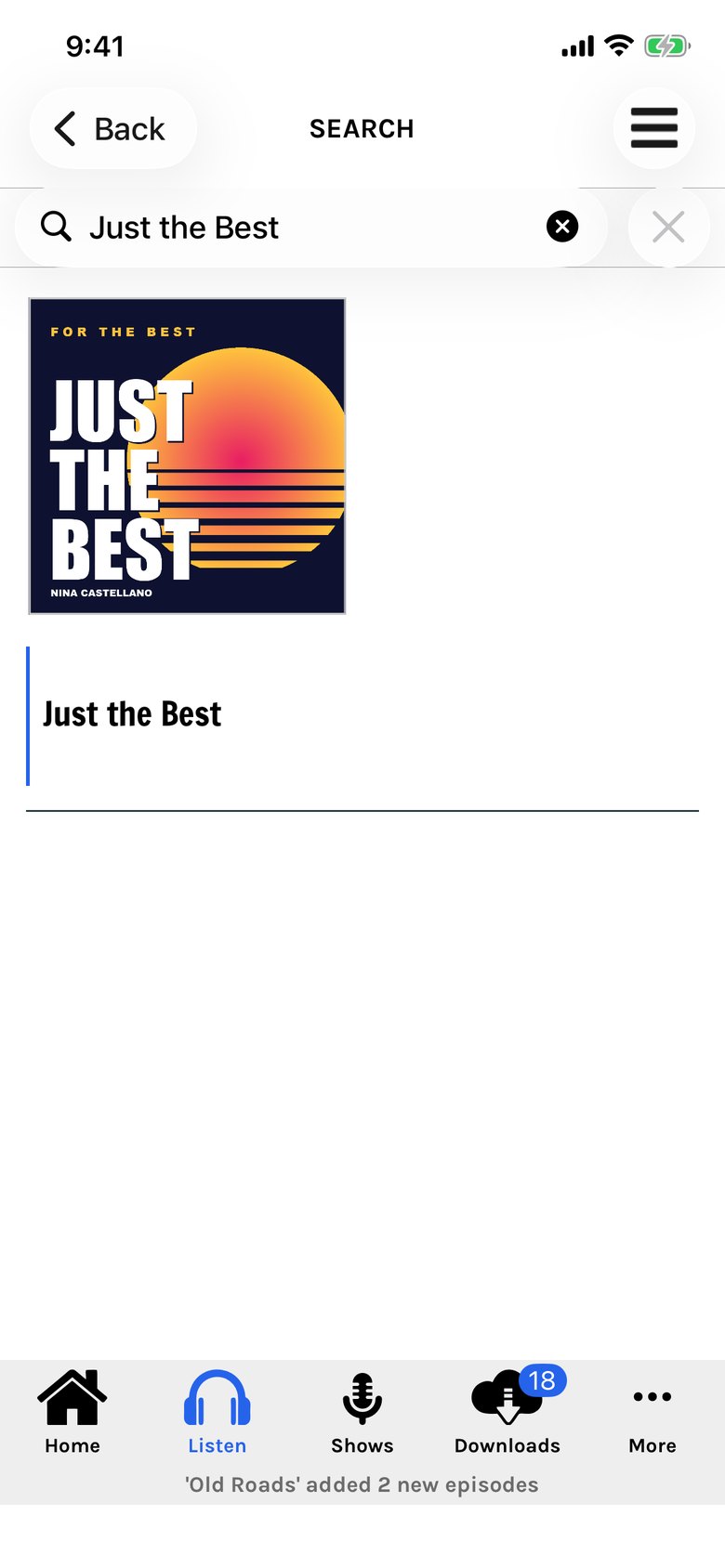
Heard about a show?
Someone says "you have to hear this one."
Type its name, and there it is. Open it and tap +. It does not have to be on your group's list, and it does not need anyone's permission.
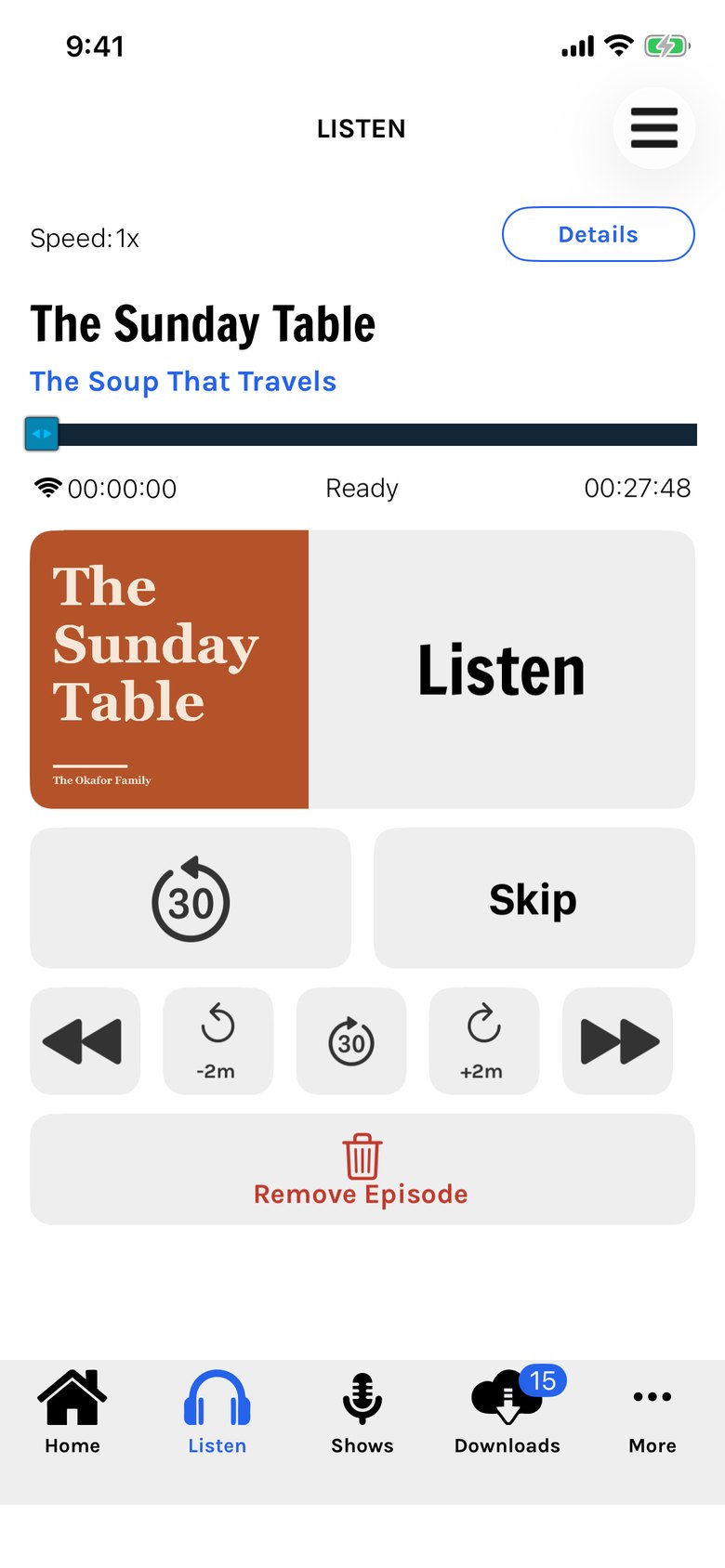
A quiet place to listen.
You came to hear your show, and the app wants to show you six others first.
One screen, with big controls: listen, back 30 seconds, ahead 30, two minutes either way, and the speed you like.
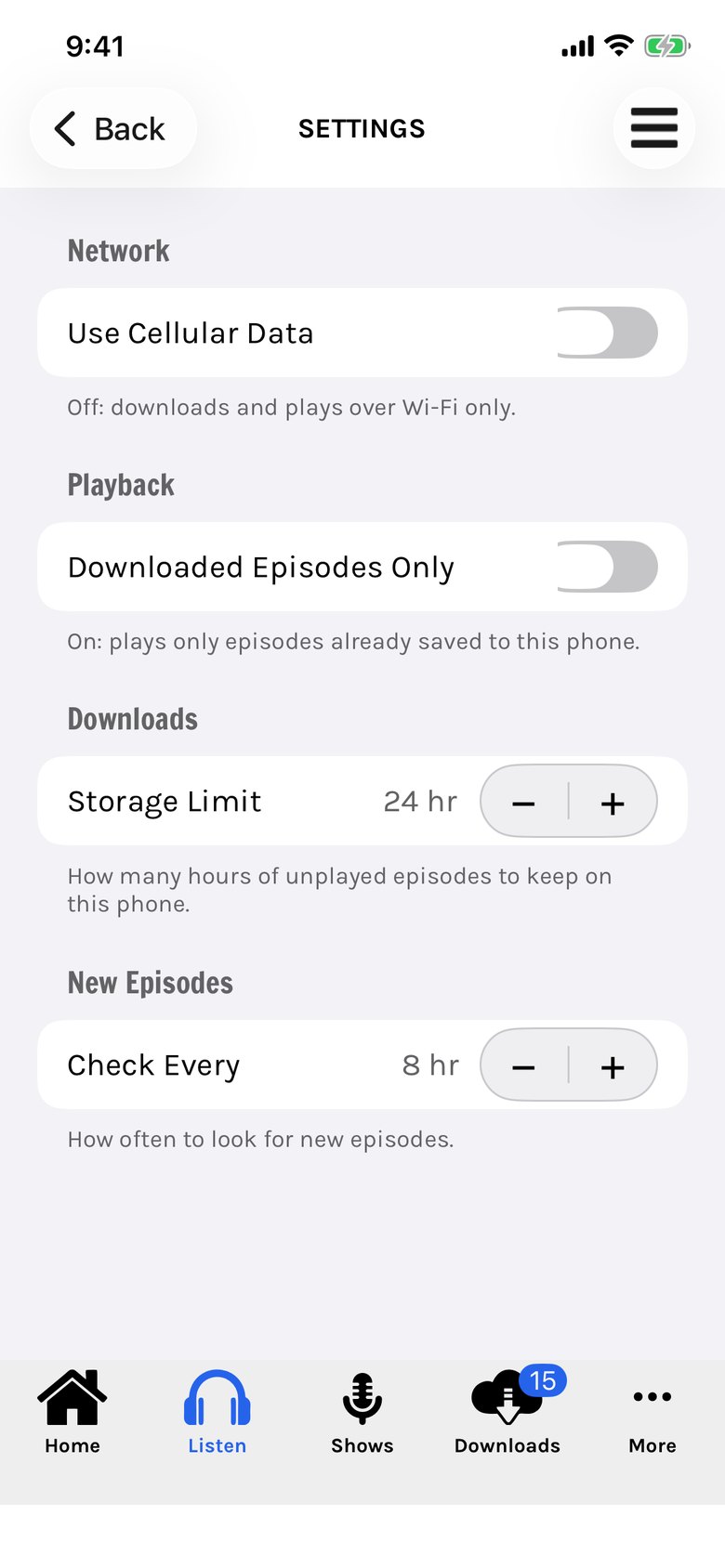
Downloads on your terms.
Hundreds of old episodes arrive on their own and fill the phone, or eat the month's data.
KinCasts downloads over Wi-Fi unless you say otherwise, and you set how many hours it keeps. Four settings, each with a line saying what it does.
Start with the people you trust.
A family, a circle of friends, a club. Start a group, invite them, and pass along the shows worth hearing.
The shows in these pictures are made up for the demonstration. The iPhone app is in private testing and is not on the App Store yet.